RK Astral GCash Deposit Not Reflecting: How to Track and Report Missing Funds
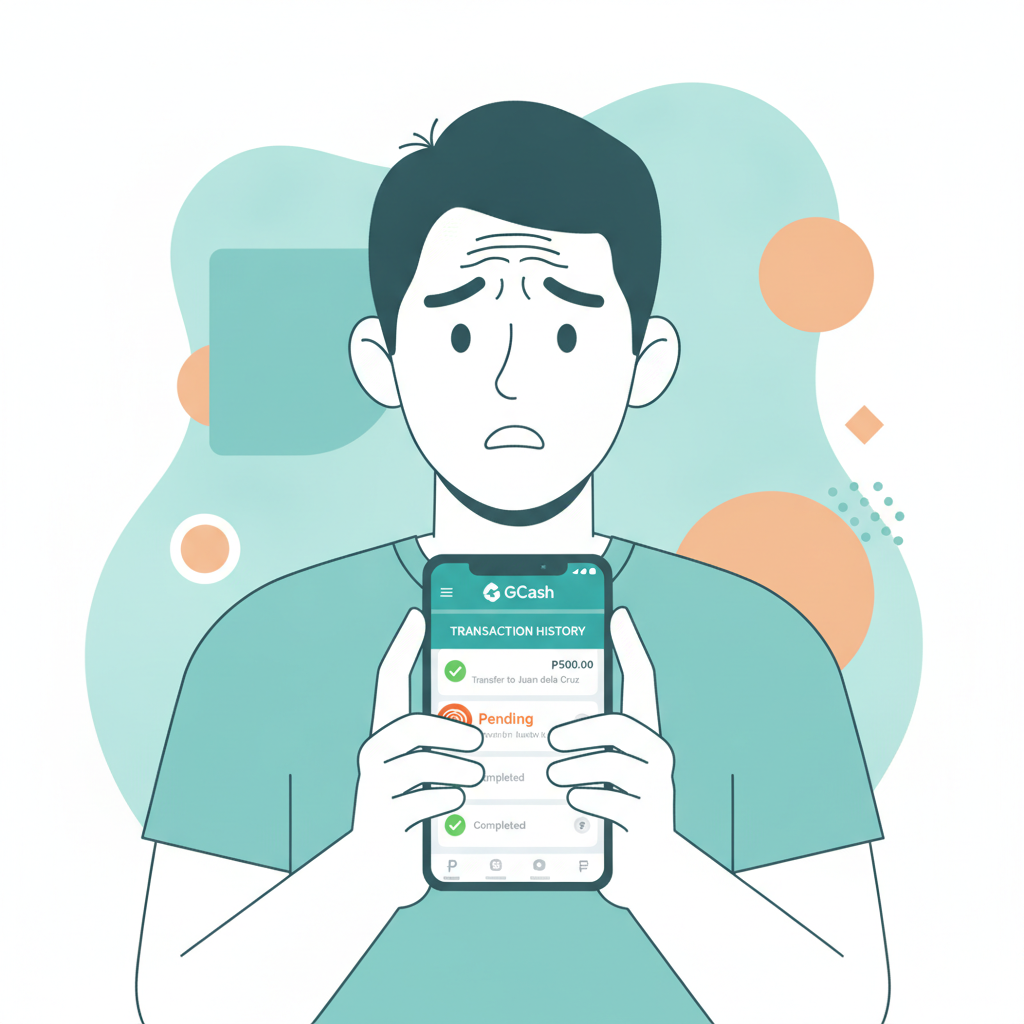
RK Astral GCash Deposit Not Reflecting: How to Track and Report Missing Funds
Missing deposits cause stress, especially when money leaves your GCash wallet but never appears in your RK Astral account. This guide walks through the steps to track your payment, gather proof, and escalate the issue to support.
This site provides independent information about RK Astral. For official support, contact RK Astral customer service directly. Players must be 21 years or older. Please gamble responsibly and only bet what you can afford to lose.
How Long a GCash Deposit Should Take to Appear in Your RK Astral Balance
Most GCash deposits to RK Astral process within 1 to 5 minutes under normal conditions. The platform uses instant payment rails that communicate with GCash in real time.
Typical timeline:
- Immediate to 2 minutes: Most successful deposits during off-peak hours
- 3 to 5 minutes: Common during evenings, weekends, and lunch breaks when traffic is heavy
- 5 to 15 minutes: Occasional delays during major sports events (NBA playoffs, PBA finals) or pay-day rushes
- More than 15 minutes: Likely indicates a technical problem that requires follow-up
If your balance hasn't updated after 15 minutes, don't make a second deposit attempt yet. Duplicate transactions complicate tracking and may tie up more funds while the first payment is still being resolved.
Peak congestion times in the Philippines—particularly Friday and Saturday nights and the 15th and 30th of each month—can slow processing, but even then, deposits rarely take longer than 10 minutes if everything is working correctly.
How to Check Your GCash Transaction History and Reference Number
Before contacting RK Astral, confirm that GCash actually deducted the money. Sometimes an error screen appears even though the transaction didn't complete on GCash's side.
Steps to verify in the GCash app:
- Open the GCash app on your phone
- Tap the menu icon (three horizontal lines, top left)
- Select Transaction History or My Activity
- Look for the payment labeled with the RK Astral merchant name or payment gateway (names vary; common ones include the platform name or a third-party processor)
- Tap the transaction to open details
What to capture:
- Date and time of the transaction
- Amount sent (in PHP)
- Reference number or Transaction ID (usually a long alphanumeric string)
- Status: should say "Success" or "Completed"
Take a screenshot of this detail page. Make sure the reference number, amount, and timestamp are visible. This screenshot is the single most important piece of evidence when reporting a missing deposit.
If the GCash transaction shows "Failed" or "Pending," the money has not actually left your wallet yet, even if your balance temporarily dropped. Failed transactions typically reverse within a few hours. Pending transactions may take up to 24 hours to either complete or cancel.
What to Do If Funds Left GCash but Didn't Arrive in RK Astral
Once you've confirmed the money left GCash successfully, follow these steps in order:
Step 1: Wait 15 Minutes and Refresh
Log out of your RK Astral account completely (not just closing the app). Clear the app cache if you're using the RK Astral Android APK, or force-close and reopen if you're using the mobile web version. Log back in and check your balance again.
Sometimes the balance display lags while the deposit is already recorded on the backend. A fresh login forces the app to pull updated account data.
Step 2: Check the Deposit/Transaction History Page Inside RK Astral
Navigate to the Deposit History, Transaction History, or Account Statement section (exact label varies). Look for an entry matching your GCash payment.
Possible scenarios:
- Entry appears with "Pending" status: The platform received notice of your payment and is processing it. Wait another 10–15 minutes.
- Entry appears with "Failed" or "Rejected" status: The deposit was declined. Check if you exceeded daily limits, or if your RK Astral account has a restriction. Contact support with the reference number.
- No entry at all: The platform hasn't registered the transaction. Proceed to report it.
Step 3: Contact RK Astral Customer Support
If 20–30 minutes have passed, the GCash transaction succeeded, but RK Astral shows no record, open a support ticket or use live chat.
RK Astral typically offers support through:
- Live chat (available on the website and app, usually 24/7)
- Email (check the "Contact Us" or "Support" page for the official address)
- Telegram or Viber support channels (if listed on the site)
Live chat is fastest for time-sensitive issues like missing deposits.
Step 4: Do Not Make Repeat Deposits While Waiting
Resist the urge to try the same deposit again "to see if it works this time." Multiple attempts create confusion: you may end up with several pending transactions, making it harder for support to identify which payment is missing. You also risk losing track of how much money is tied up in limbo.
If you need to add funds urgently and the first GCash deposit is unresolved, consider using Maya or a bank transfer via InstaPay as an alternative channel while support investigates the GCash payment.
Information to Provide When Reporting a Missing Deposit to Support
Support agents need specific details to trace your payment. The more complete your report, the faster the resolution.
Essential information:
- Your RK Astral username or account ID
- Registered mobile number or email on your RK Astral account
- GCash reference number (from your GCash transaction history)
- Exact amount deposited (in PHP)
- Date and time of the GCash transaction (include timezone; Philippine Standard Time is GMT+8)
- Screenshot of the GCash transaction detail page (showing reference number, timestamp, amount, and "Success" status)
Optional but helpful:
- Screenshot of your RK Astral deposit history showing no matching entry
- Your GCash registered mobile number (if different from your RK Astral account number)
- Any error messages you saw during or after the deposit attempt
Template message for live chat or email:
Subject: Missing GCash Deposit – [Your Username]
>Hello, >I made a GCash deposit that has not reflected in my RK Astral account. >- RK Astral Username: [YourUsername] - Registered Mobile: +63 9XX XXX XXXX - GCash Reference Number: [paste reference number] - Amount: PHP [amount] - Transaction Date & Time: [date] at [time] PHT
>The money left my GCash wallet successfully (see attached screenshot), but my RK Astral balance has not updated after [number] minutes. Please investigate and credit my account. >Thank you.
Attach your GCash screenshot to the email or upload it in the chat interface if possible.
What to Expect After Reporting
- Immediate response: Live chat agents typically reply within 1–3 minutes and will acknowledge your report.
- Investigation period: The team checks payment gateway logs, which can take 1 to 24 hours depending on workload.
- Resolution: If the payment is confirmed, the funds are manually credited to your account. You'll receive a notification or email confirmation.
- Refund: If the payment gateway shows the transaction failed or was never received, GCash may reverse the charge. This can take 3 to 7 business days.
Keep your chat transcript or email thread. If the issue isn't resolved within 24 hours, follow up with the same reference number and ticket ID.
When to Escalate Beyond RK Astral Support
If RK Astral support confirms they never received the funds and GCash insists the payment succeeded, you're caught between two providers. In this case:
- Contact GCash customer service (hotline, in-app chat, or email) and provide the same reference number and proof.
- Request a trace or dispute for the transaction.
- Ask GCash for a merchant acknowledgment report that shows whether the receiving merchant (RK Astral's payment processor) accepted the funds.
Most mismatches are resolved once GCash and the payment gateway reconcile their records, but it may take several days.
Common Causes of Missing GCash Deposits
Understanding why deposits go missing can help you avoid repeat issues:
- Gateway timeouts: High traffic on either GCash or RK Astral's payment processor causes communication breakdowns.
- Incorrect merchant code: Rare, but if you're redirected to an outdated or wrong payment channel, funds may land in the wrong account pool.
- Account verification holds: If your RK Astral account is flagged for ID verification or suspicious activity, deposits may be held in escrow until you complete compliance steps.
- Exceeded daily limits: GCash and RK Astral both impose daily deposit caps. If you're near or over the limit, transactions may auto-reject but still show as "success" on GCash temporarily.
- App version bugs: Outdated RK Astral APK versions occasionally have syncing issues. Always use the latest download link from the official site.
21+ Reminder and Responsible Gambling Notice
RK Astral is restricted to players 21 years of age and older. Online gambling involves financial risk. Never deposit money you cannot afford to lose, and never chase losses by making larger or repeated deposits.
If you're experiencing problems controlling your deposits or gambling more than intended, reach out for help:
- National Center for Mental Health Crisis Hotline: 0917-899-USAP (8727)
- In Touch Community Services: +63 2 8893 7603
Set deposit limits, take breaks, and treat casino play as entertainment, not a way to make money. Responsible gambling protects your finances and well-being.
Disclaimer: This guide is provided for informational purposes by an independent source. It is not affiliated with or endorsed by RK Astral. For official support, account issues, or deposit disputes, contact RK Astral customer service directly through their verified channels.